Key takeaways
- Wi-Fi 7 is IEEE 802.11be. The Wi-Fi Alliance certifies a subset as Wi-Fi CERTIFIED 7. Multi-Link Operation (MLO) is mandatory in that cert.
- The useful trick is using more than one band at once (2.4 / 5 / 6 GHz), not a 46 Gbps slide. 320 MHz channels only exist in 6 GHz, and walls eat 6 GHz.
- A Wi-Fi 7 router plus a Wi-Fi 6 phone is a Wi-Fi 6 session. Both ends, and usually the 6 GHz radio, have to show up.
Wi-Fi 7 showed up on router boxes the way 5G showed up on phones: a bigger integer, a faster stock photo. The IEEE name is 802.11be, “Extremely High Throughput.” The Alliance program launched in January 2024; the IEEE published the finished amendment in 2025. Retail silicon shipped on drafts before that, which is why your 2023 “Wi-Fi 7” brick and a 2026 Certified 7 brick are not the same checklist.
The Alliance’s own overview is the non-vendor version of the feature list: Wi-Fi CERTIFIED 7. Cisco’s Meraki note is the grown-up version if you want MLO modes spelled out: Wi-Fi 7 technical guide.
The name
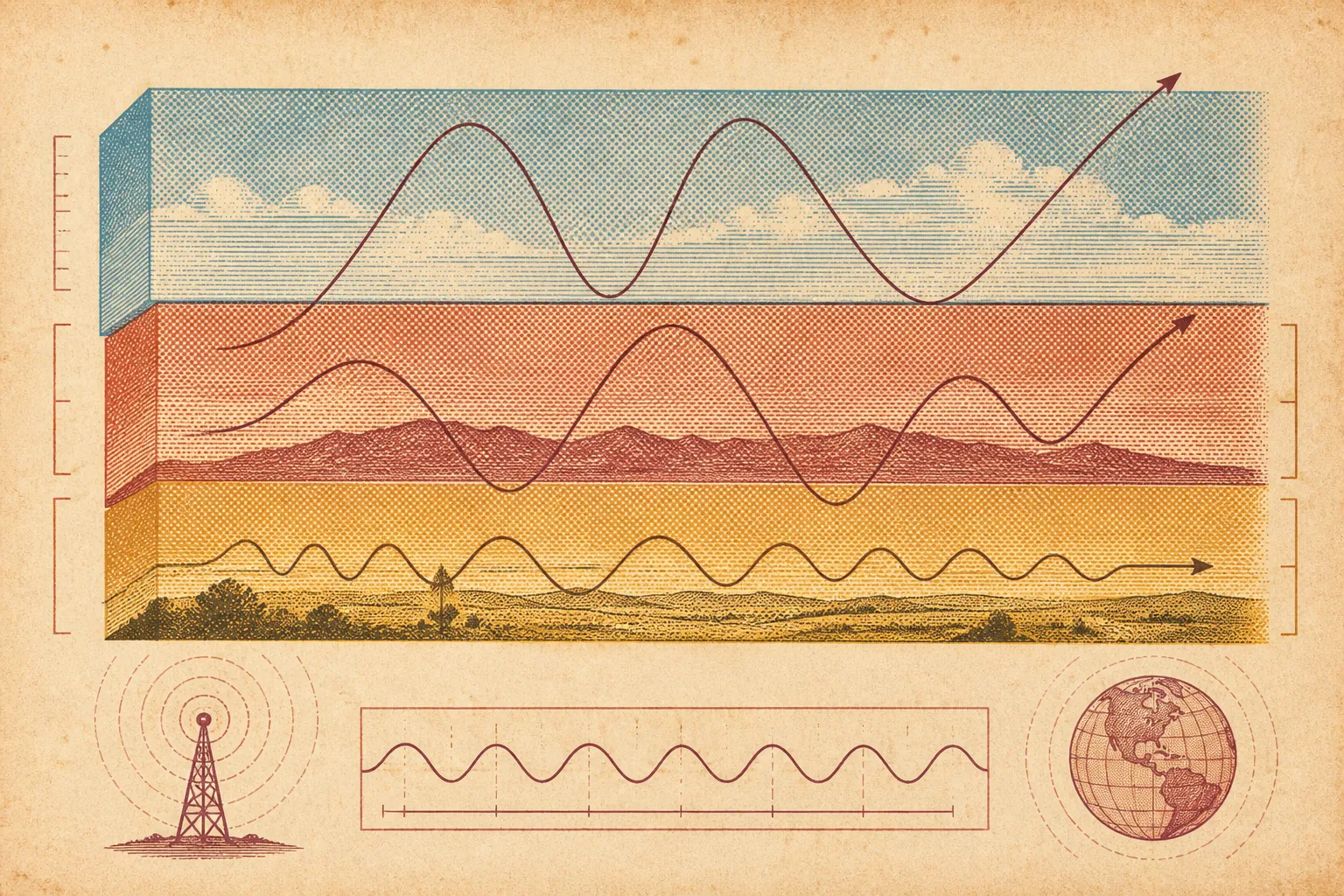
Wi-Fi 4 was 802.11n. 5 was ac. 6 was ax, including 6E when they opened 6 GHz. 7 is be. The number is a marketing ladder. The air is still 2.4 GHz (crowded, long reach), 5 GHz (the workhorse), and 6 GHz (new, short reach, fat channels) where the regulator allowed it.
In the U.S., the FCC’s 6 GHz report and order is why indoor low-power APs can sit in that band at all: FCC 6 GHz. Standard-power outdoor 6 GHz often needs AFC (automated frequency coordination) so you do not sit on a microwave backhaul. A living-room mesh node is usually the indoor low-power case. A rooftop “Wi-Fi 7 omni” is a different license story. Do not mix them.
MLO is the feature
Older Wi-Fi: the client picks a band. Steering software may kick you from 2.4 to 5. You still have one link.
Multi-Link Operation lets an AP multi-link device and a client multi-link device keep more than one link in the same association. Traffic can stripe, fail over, or pick the quieter band per packet. That is why enterprise trials talk about uplink surviving interference, not about beating a wired 10G NIC in a closet.
Two client flavors show up in the docs:
- MLMR (multi-link multi-radio): more than one radio chain actually running. Closer to “two pipes at once.” Costs silicon and battery.
- eMLSR (enhanced multi-link single radio): listen on two links with split chains, then slam both chains onto whichever link has a transmit opportunity. Phones like this because they are still basically 2×2. The AT&T / Ruckus / Intel office trial that the Wireless Broadband Alliance published in 2026 used eMLSR and still saw large uplink gains under co-channel noise. That is congestion insurance, not a Speedtest screenshot.
If the client does not do MLO, the AP’s extra radios are for other people. Your laptop is a Wi-Fi 6 guest.
6 GHz and 320 MHz
Wi-Fi 6 already used 160 MHz. 7 doubles the max channel to 320 MHz. That width only fits in 6 GHz’s fat unlicensed slice (U-NII-5 through U-NII-8, depending on country). 2.4 cannot. 5 GHz in the U.S. is already a jigsaw of DFS radar and UNII chunks.
Physics does not care about the box art. 6 GHz dies through two walls of plaster and a fridge. A speed test next to the AP on 320 MHz / 6 GHz can look insane. The bedroom client will have already fallen to 5 GHz 80 MHz, which is still fine for video, which is the actual job.
If the AP has 6 GHz disabled “for compatibility,” you bought Wi-Fi 6 with extra LEDs. Some ISP gateways ship 6 GHz off. Turn it on, use a unique SSID or the vendor’s “combined SSID + MLO” mode, then look at the client’s connection details. If it says 5 GHz and 802.11ax, you are not in 7.
4K-QAM is a short leash
Wi-Fi 6 topped out at 1024-QAM in the marketing. 7 pushes 4096-QAM (12 bits per symbol instead of 10). That is about 20% more bits when the signal is extremely clean. SNR has to be excellent. Across the house it will not hold. Treat 4K-QAM as a bench feature. The everyday win is MLO not dropping when the microwave and the neighbor’s mesh occupy 5 GHz.
Spatial streams still matter. A 2×2 phone will never hit the 4×4 or 8×8 slide. Count antennas on the client, not the router’s “BE19000” name, which is a sum of theoretical radios nobody uses at once.
Preamble puncturing
A 320 or 160 MHz channel that has a narrow interferer in the middle used to be a write-off. Preamble puncturing lets the AP and client skip the dirty sub-channel and keep the rest. Useful in 6 GHz if an incumbent or a bad neighbor sits on a slice. Not a reason to buy by itself. It is why a wide channel is less brittle.
What you actually buy
Check three lines on every SKU:
- Wi-Fi CERTIFIED 7, not “Wi-Fi 7 compatible” on a draft chip from 2023.
- A 6 GHz radio that is enabled in your country.
- Clients: phone, laptop, TV. TVs lag. Phones from 2024–2026 are mixed. Intel BE200-class laptop cards exist. The oldest device on the network still needs a 2.4 GHz IoT ghetto; put bulbs on a separate SSID so they do not pin the whole AP to 20 MHz thinking.
Ethernet to the AP still wins for the one box that routes. Wi-Fi 7 does not replace a cable to a desktop that already has 2.5G. It replaces the hope that 5 GHz steering would save a Zoom call when the air is garbage.
Mesh and ISP gateways
Mesh backhaul can eat a radio. A tri-band Wi-Fi 7 pack that uses 6 GHz as dedicated backhaul will not give you 320 MHz to the phone. Read the spec sheet for “backhaul band.” Wired backhaul (Ethernet between nodes) is still the adult move. Wi-Fi 7 MLO can make wireless backhaul less sad. It does not make drywall disappear.
ISP rental gateways labeled Wi-Fi 7 are often a 5 GHz / 2.4 combo with 6 GHz hidden in an app. Log in. If there is no 6 GHz toggle, you are paying for a logo.
Wi-Fi still breaks apps
RCS, Wi-Fi calling, and VPNs do not care that you bought 802.11be. They care whether IMS and UDP get through the LAN. We already watched iPhones drop RCS on kitchen Wi-Fi this month: what is RCS. Upgrading the AP will not fix a rotating MAC or an always-on VPN. Same class of failure as assuming a passkey lives in the website’s HTML: what is a passkey.
Put the new AP, run iperf or a boring speed test in the room you sit, then in the room you complain about. If both ends are 7 and 6 GHz and the far room is still 80 MHz on 5 GHz, that is the house. Add a node on Ethernet or live with it. The standard is not a wand.
Not a product roundup. Certification lists and FCC rules change by country. Read the client’s PHY readout, not the shopping-tab integer.