Key takeaways
- A passkey is a FIDO credential: private key on an authenticator, public key at the site. There is no shared password to leak in a breach dump.
- The browser will not offer bankofamerica.com’s passkey to bank0famerica.com. That origin check is the anti-phishing part.
- Face ID / PIN unlocks the key. It is not “your face uploaded to Google.” The biometric stays on the device.
What is a passkey: a login credential that is not a string you type. Apple, Google, and Microsoft have been shoving the prompt into account settings because passwords keep leaking and SMS codes keep getting rerouted. The FIDO Alliance’s short version is the one that matters: you approve a sign-in the same way you unlock the phone. FIDO’s passkeys page is the standards body, not a vendor blog.
The pair
Registration creates two keys. The public one is stored by the website (the “relying party”). The private one never leaves the authenticator: the phone’s secure hardware, a laptop TPM, or a USB security key.
At sign-in the site sends a random challenge. Your device signs it. The server checks the signature with the public key. If it matches, you are in. MDN writes this without marketing: Passkeys on MDN.
The fingerprint or face scan is a local gate. It proves a person holding the phone is allowed to use the private key. The site does not receive a face template. If that sentence is the only one you keep, keep that one.
Why phishing fails
A password works on any page that asks for it. That is the bug. A lookalike domain with a copied logo still gets the string.
A passkey is scoped to the real origin. Chrome will not fire the amazon.com credential on amaz0n-login.net. The signed assertion also includes origin data the server can check. Stolen HTML from a fake page does not give the attacker a reusable secret. CISA has been telling people to move off SMS and toward phishing-resistant MFA for that reason: implementing phishing-resistant MFA.
SMS codes and emailed magic links are still shared secrets. Someone who controls the inbox or the SIM can replay them. Passkeys are not that class of factor.
Synced vs device-bound
Two flavors, same protocol.
Synced passkeys live in iCloud Keychain, Google Password Manager, or another manager that syncs. New phone, same Apple ID or Google account, the passkeys come along. Convenience is the point. The cloud account becomes the recovery story. Lock yourself out of that account and you have a worse day than a forgotten password.
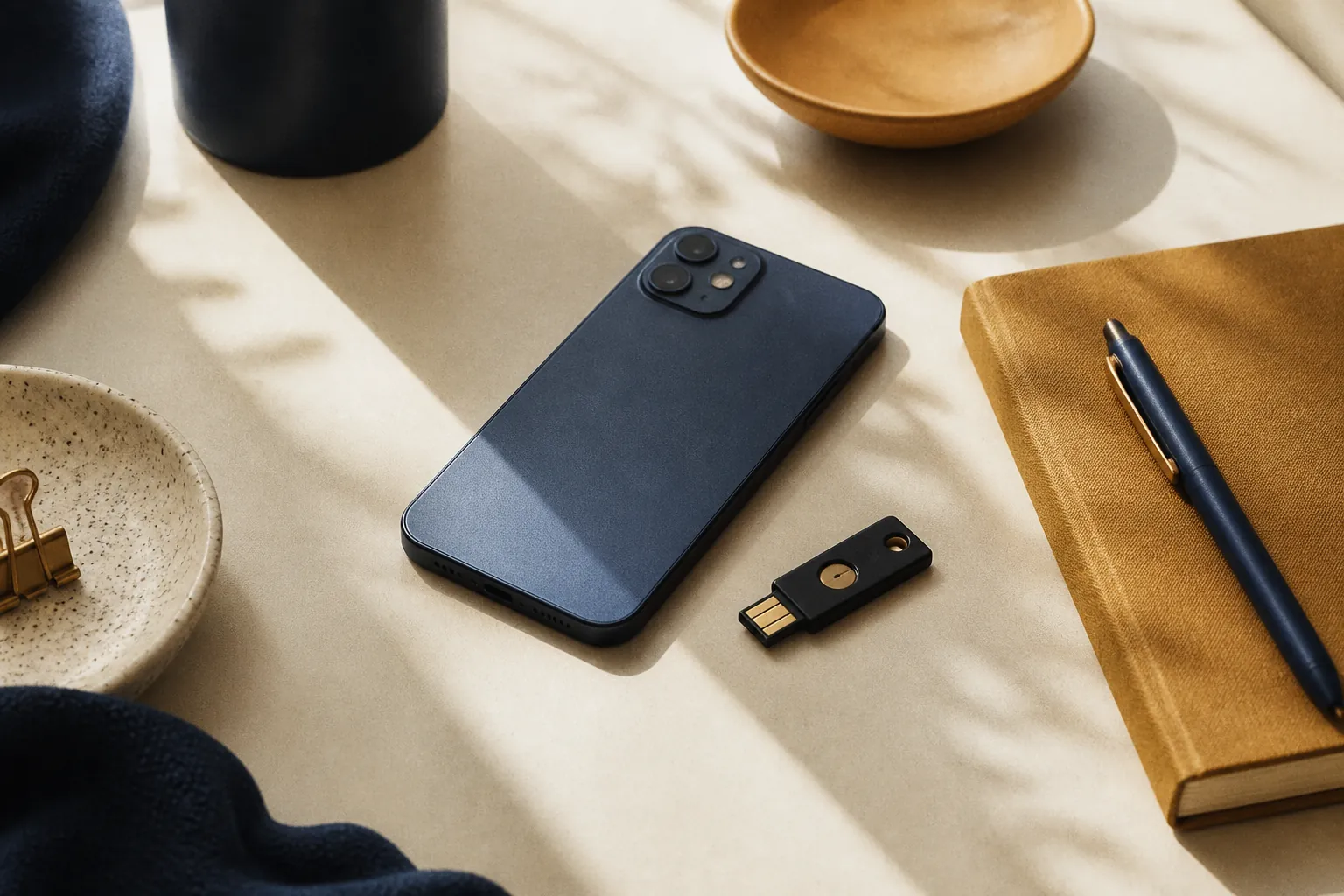
Device-bound passkeys stay on one authenticator, often a hardware key. Lose the key, use a backup key you registered, or you are in recovery with the site. Higher assurance, more paper cuts.
Neither is “more passkey.” They are different custody models. Banks and workplaces sometimes insist on device-bound. Consumer Gmail is usually synced.
Not a password export
Saving a password in a manager still means a secret that can be filled on the wrong site if you tap too fast. A passkey fill is a cryptographic ceremony, not autocomplete of a string.
You can keep a password as a fallback. Many sites do. That fallback is still phishable. If the site lets you “skip passkey and type the old password,” an attacker who only needs the password did not care that you also enrolled a passkey.
What still breaks
Shared family logins. A passkey is tied to a person and a device ecosystem. Handing a spouse “the Netflix password” does not map cleanly. Use the service’s household sharing, or you will fight prompts.
Public computers. No phone, no key, no login. Carry a hardware key or do not sign in there.
Sites that only pretend. A button that says passkey and then emails a code is not FIDO. If you never see the OS prompt (Face ID, Windows Hello, tap the key), it is theater.
Account recovery. Passkeys do not delete the SIM-swap problem if the site’s “forgot passkey” path is still SMS. Read that path before you delete the password.
How to turn one on
Google: Create a passkey for your Google Account. Apple: Settings → Passwords, or the account’s Security screen; Apple’s consumer writeup is under iPhone passkeys in their user guide. Microsoft Account has the same idea under Advanced security.
Start with the email account that recovers everything else. Then the bank. Then the rest. Leave a hardware key in a drawer as a spare if you are the person who loses phones.
You do not need to understand WebAuthn JSON to use this. You do need to know the private key never types itself into a form. If a page asks you to paste a passkey, that page is lying.
Not a security audit of your setup. Sites differ. Keep a recovery path you actually control.